Names in Mission Control
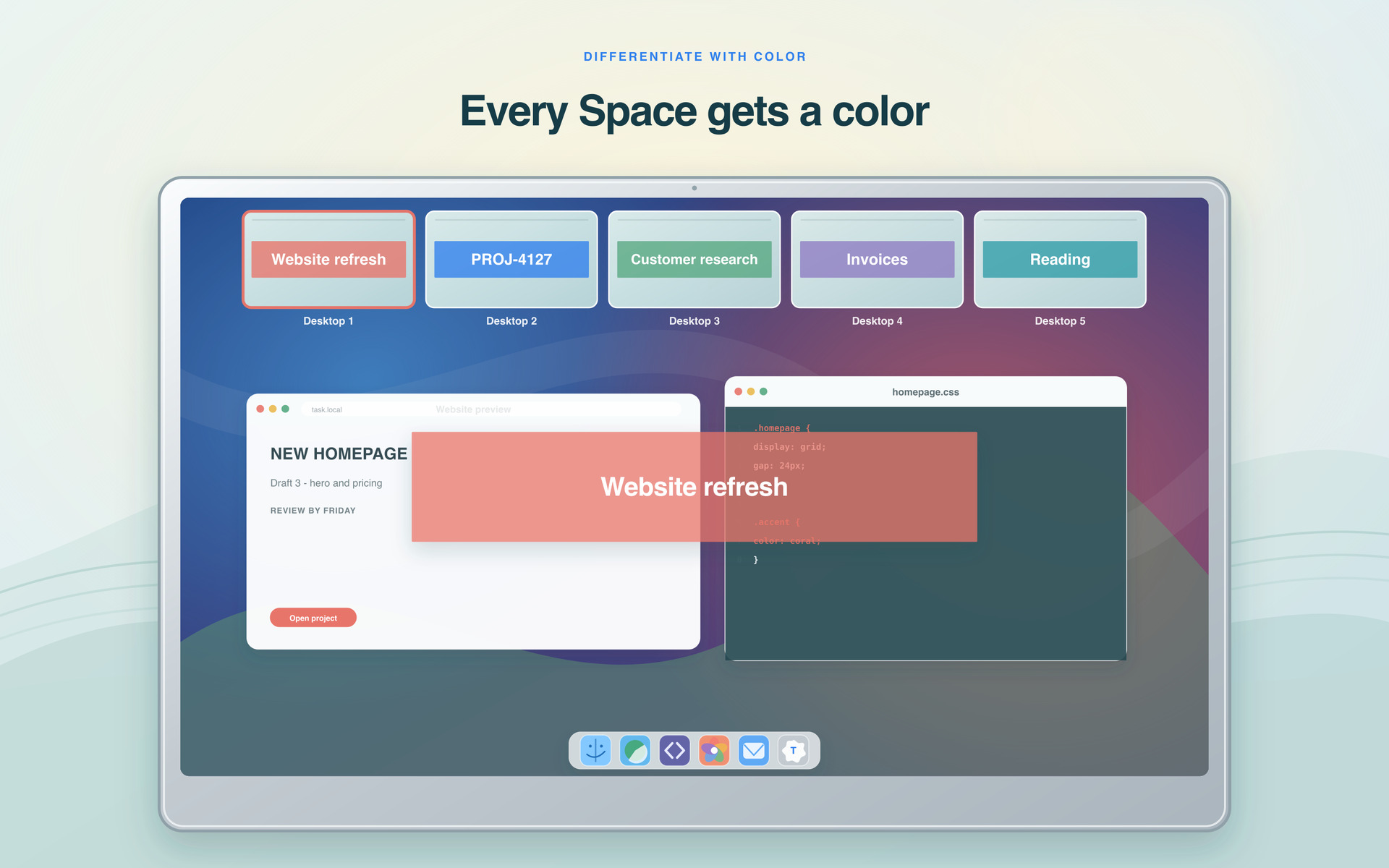
See every Space’s name right in Mission Control.
 Task for Spaces
Version 1.4.0 · A tiny macOS menu-bar app
Give each macOS Space a name. Task puts it on the Space’s thumbnail in Mission Control, so you can tell at a glance what every Space is for.
Download on the Mac App Store

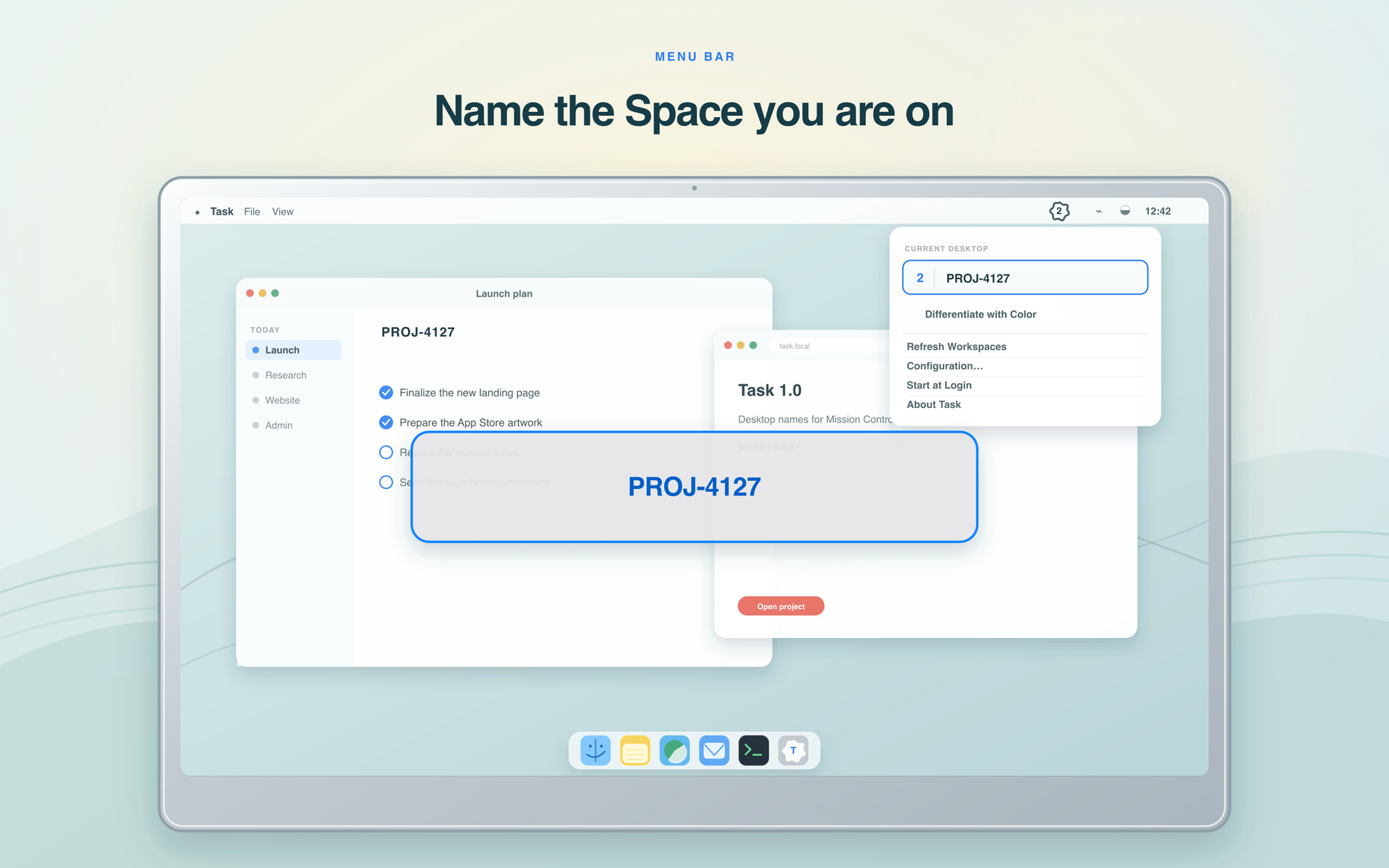

Keep the name of your current Space right in the menu bar. You can see where you are without opening a thing.
See every Space’s name right in Mission Control.
Give each Space its own color and tell them apart at a glance.
Rename the current Space straight from the menu bar.
Reorder your Spaces and every name and color moves with them.
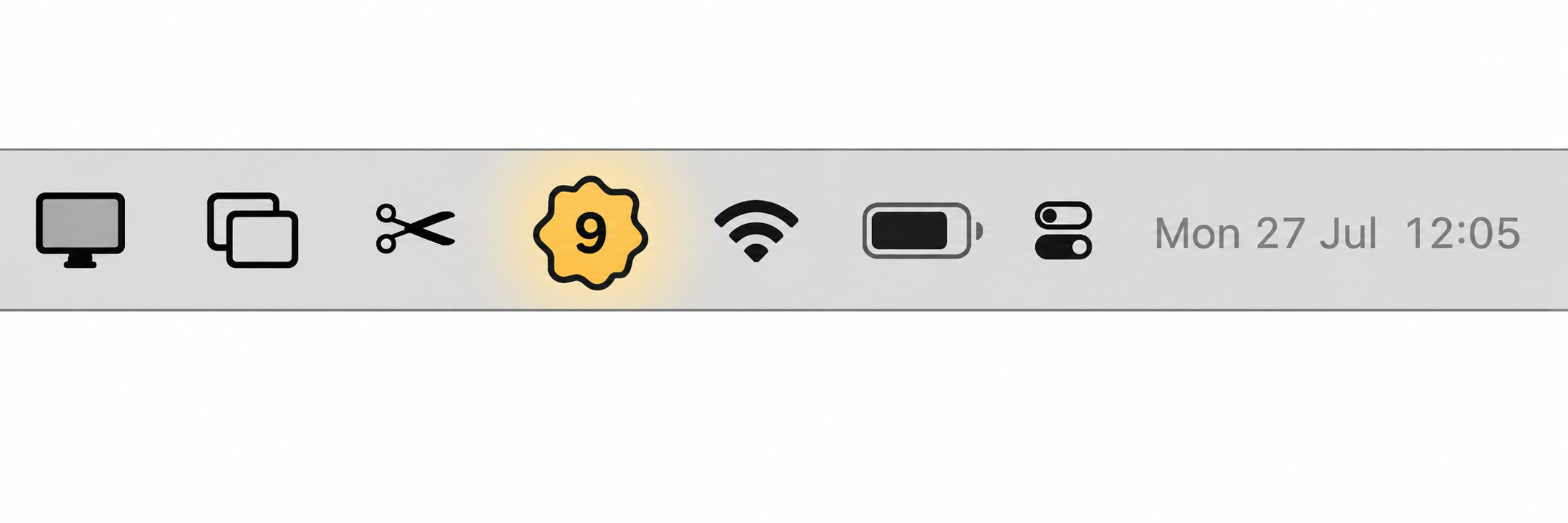
Your current Desktop is always right there in the menu bar.
Everything stays on your Mac. No account, analytics, cloud, or ads.
N.tag—handy when two Space names start with the same word.This local file stores your Space names, colors, and splash duration. Open it from Task’s menu to edit it yourself, or let Task update it as you rename Spaces. Task follows your Mac’s light or dark appearance.
Before you start, open System Settings → Desktop & Dock and turn off Displays have separate Spaces and Automatically rearrange Spaces based on most recent use. See Support for setup details.